Build a searchable prompt library.
Search prompt language, filter versions, group by tags, and copy the exact attributes you want to reuse.
Design the database →The same saved record can become reference material, a backup, a production asset, or a team handoff—depending on the Notion views you build around it.
Search prompt language, filter versions, group by tags, and copy the exact attributes you want to reuse.
Design the database →Batch import generations to Notion so source URLs, images, and prompt context live outside a scrolling history page.
Back up your history →Save supported Discord or Midjourney creations with source context, then tag the patterns worth studying.
Save from Discord →Keep the output, prompt, model version, attributes, and original job URL in the same page for later iteration.
See saved fields →A visual archive is only useful when the prompt and settings are attached. Notion views can surface images while the page keeps the complete reusable context.
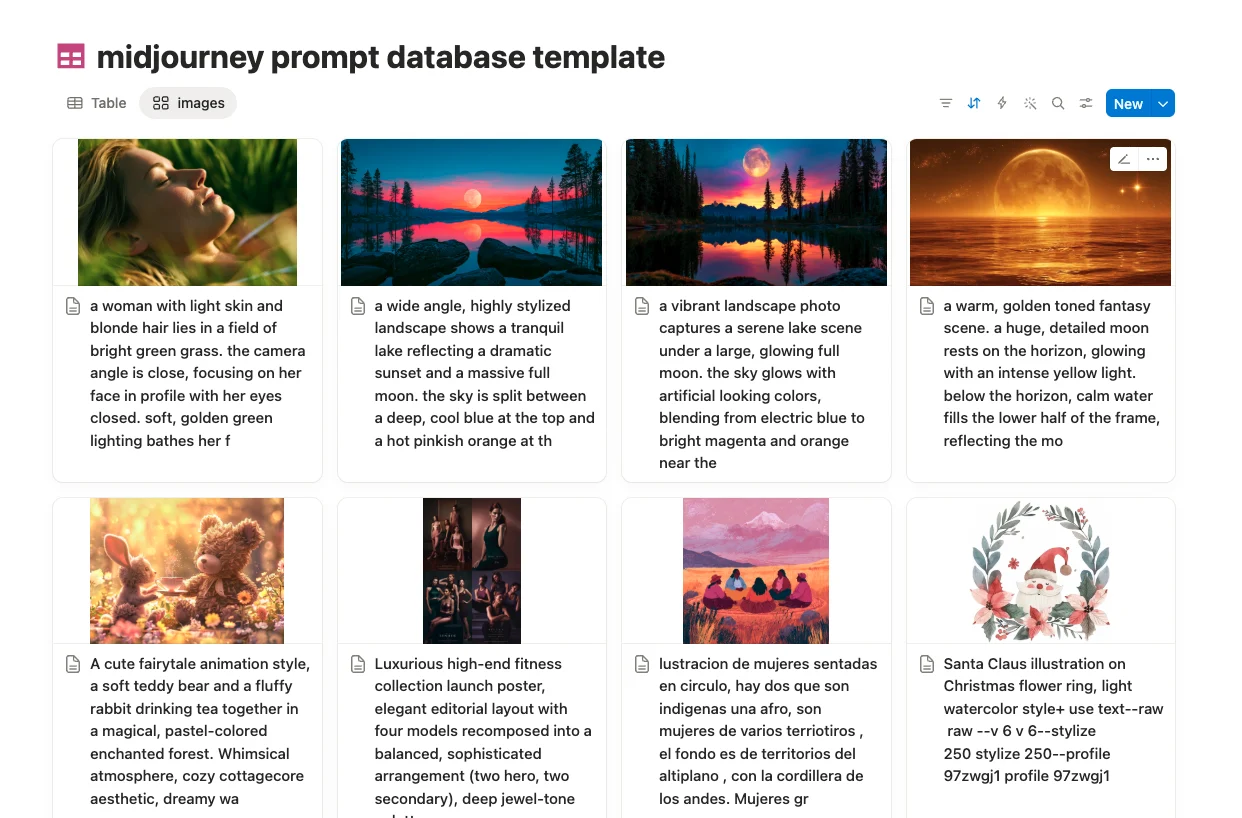
When records live in a shared Notion workspace, a teammate can review the exact prompt, open the original job, copy parameters, and understand which image belongs to which idea.
Browse covers visually and open a record when the composition or style catches your eye.
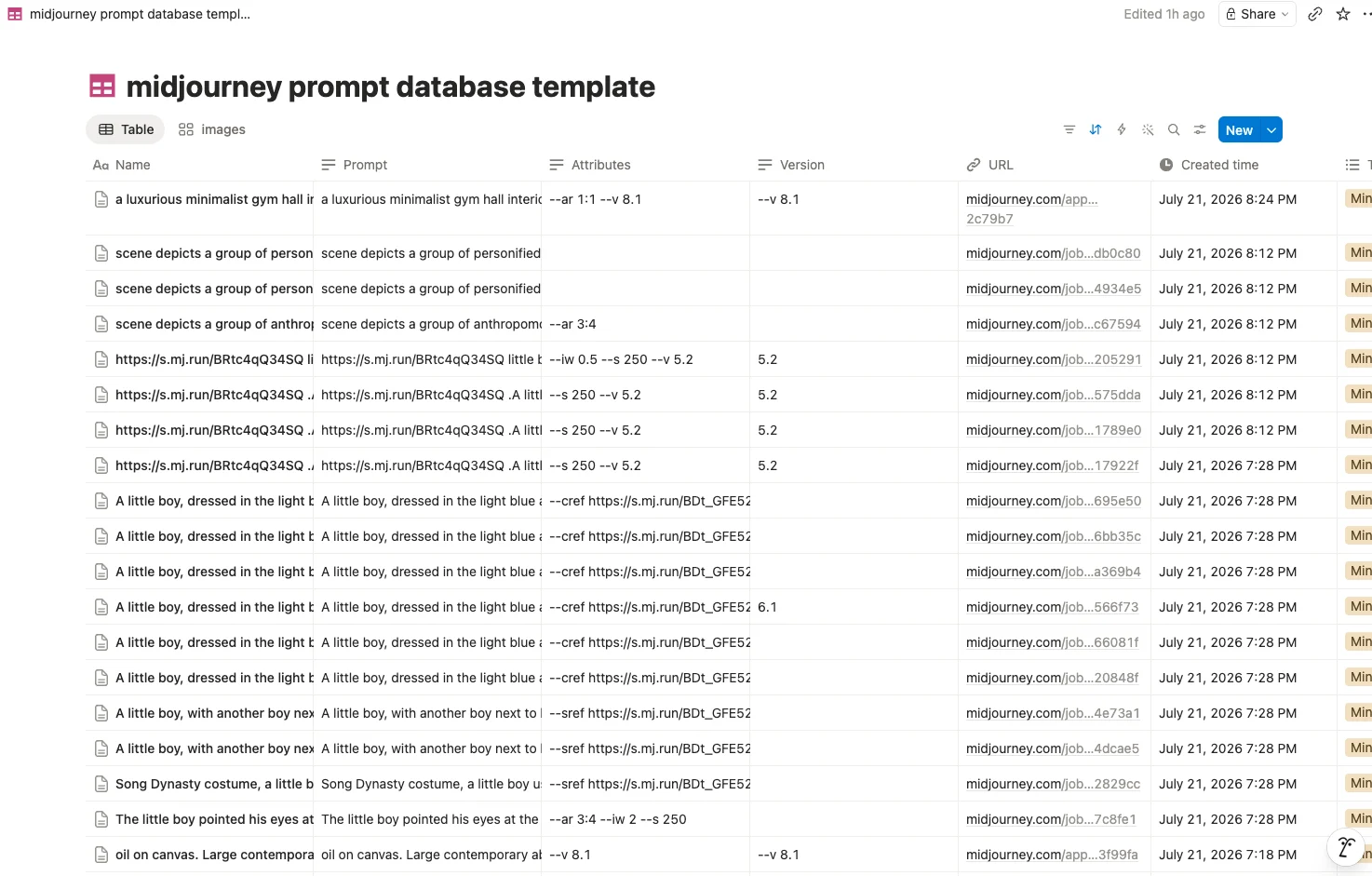
Compare version, attributes, tags, and URLs across many records at once.
Move saved generations through reference, shortlist, approved, and delivered stages.
The extension checks the selected database and prepares the supported fields before saving.