
Skip existing
Leave the current Notion record untouched and continue to the next Midjourney job.
Individual saves and batch exports share the same Notion database checks, image preparation, and copy-friendly page body.
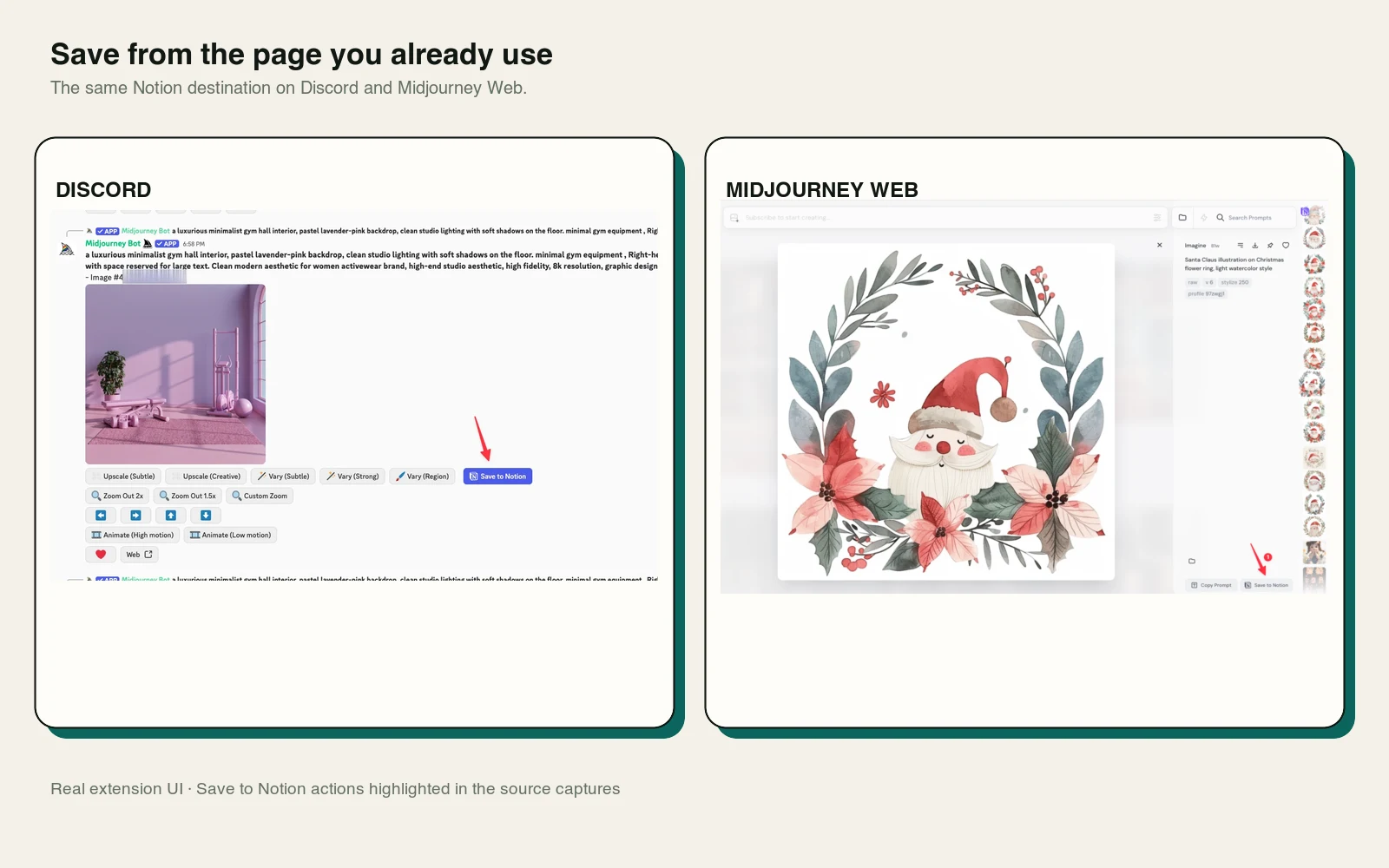
On supported Midjourney Jobs pages, the extension places Save to Notion beside the page actions. On Discord channels, it adds a save action to supported Midjourney message content.
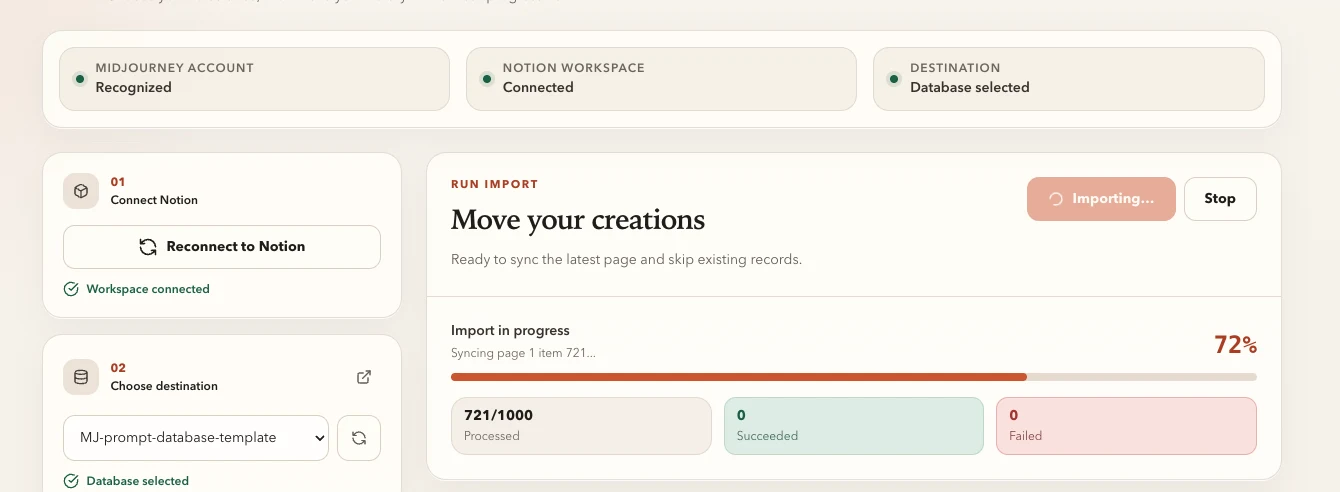
The options workspace retrieves available history pages, then imports records sequentially to reduce API pressure and keep progress understandable.
The extension downloads the supported Midjourney image, creates a Notion file upload, sends the file, and attaches it as both page media and cover. Files above Notion’s direct-upload limit or failed uploads use an R2 fallback.
Every single save and batch import first resolves the selected Notion data source and verifies its title field and supported properties.
If a supported property is missing, the extension adds it. If an existing field uses a conflicting type, the extension stops and explains which field needs attention.
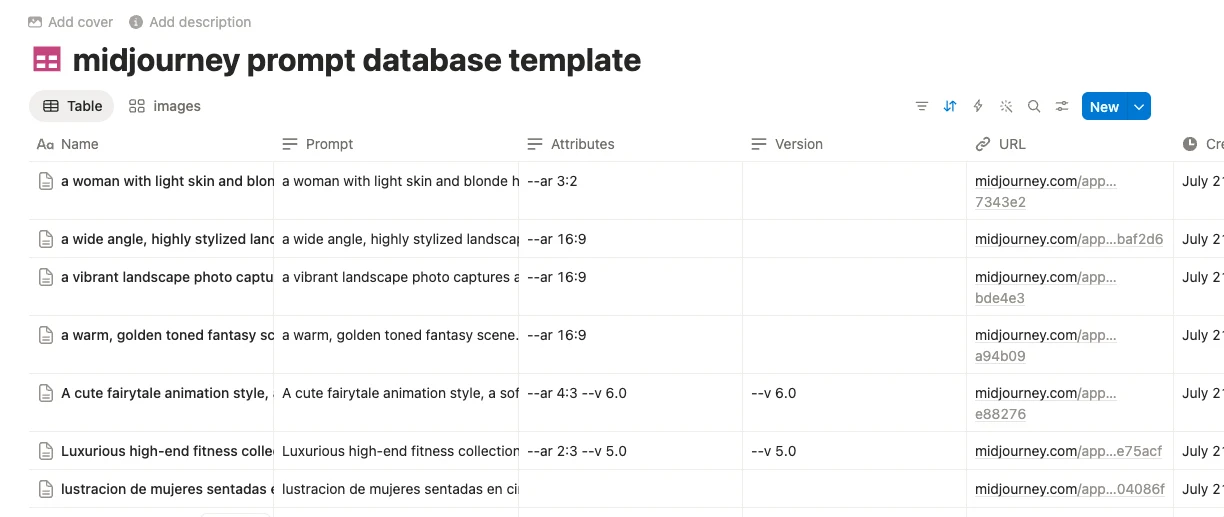
The page body is assembled from headings followed by plain-text code blocks. That keeps long URLs, prompts, and parameters visually separate and easy to copy.

Leave the current Notion record untouched and continue to the next Midjourney job.
Archive matching records, then insert the newly prepared page and image.
Create a new record even when another page uses the same Midjourney URL.